Personal Profile Management Guide
Completing your personal profile is mandatory for all annotators. A complete profile enables payments and increases your chances of being accepted into high-quality projects.
You cannot withdraw funds until your profile is fully verified. Complete your profile immediately after registration.
1. Accessing Your Profile
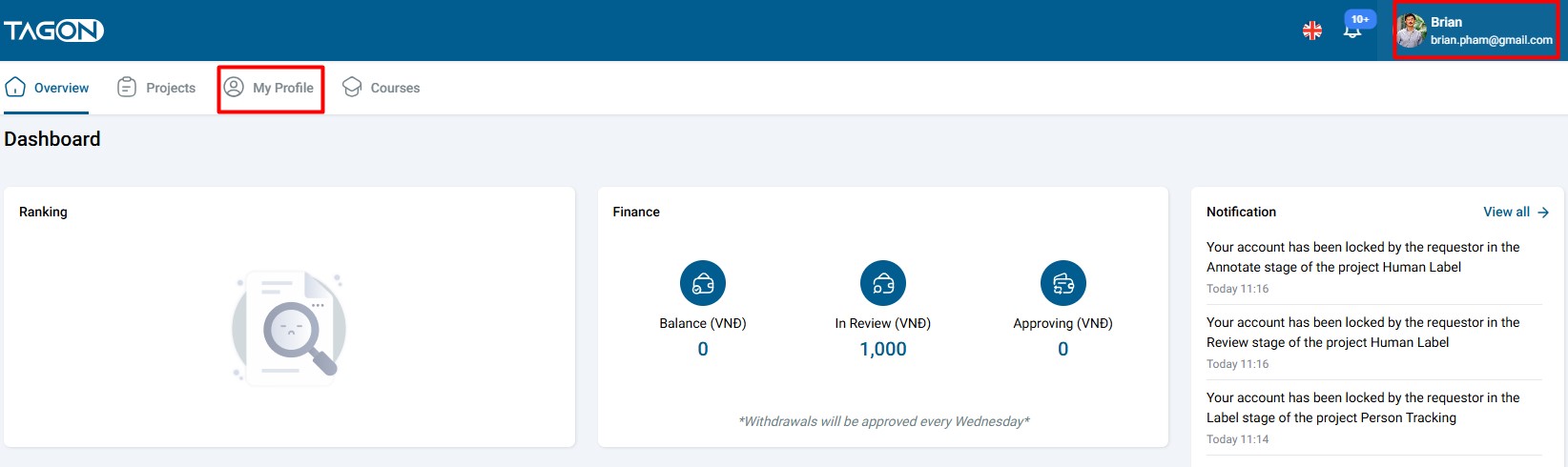
Method 1: Click your username or avatar in the top-right corner → select My Profile
Method 2: Go to Overview → Projects → My Profile
2. Profile Sections Overview
2.1. Basic Information
Contains your full name, username, email, phone number, and referral code.
How to update:
- Click the pencil icon (✏️) next to any field
- Enter corrected information
- Click Save
- Confirm by clicking Yes in the popup
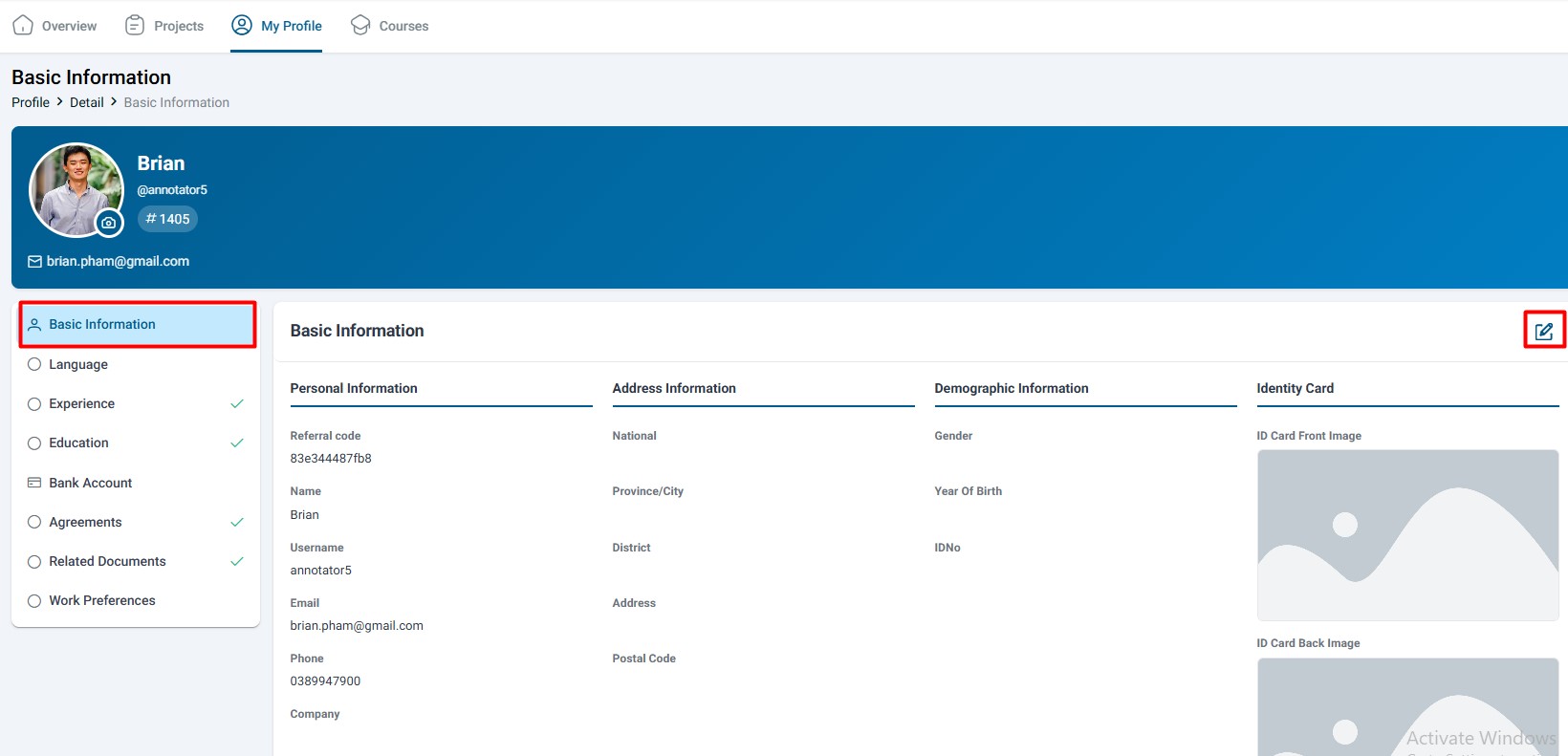
Ensure your name matches your ID card exactly for payment processing.
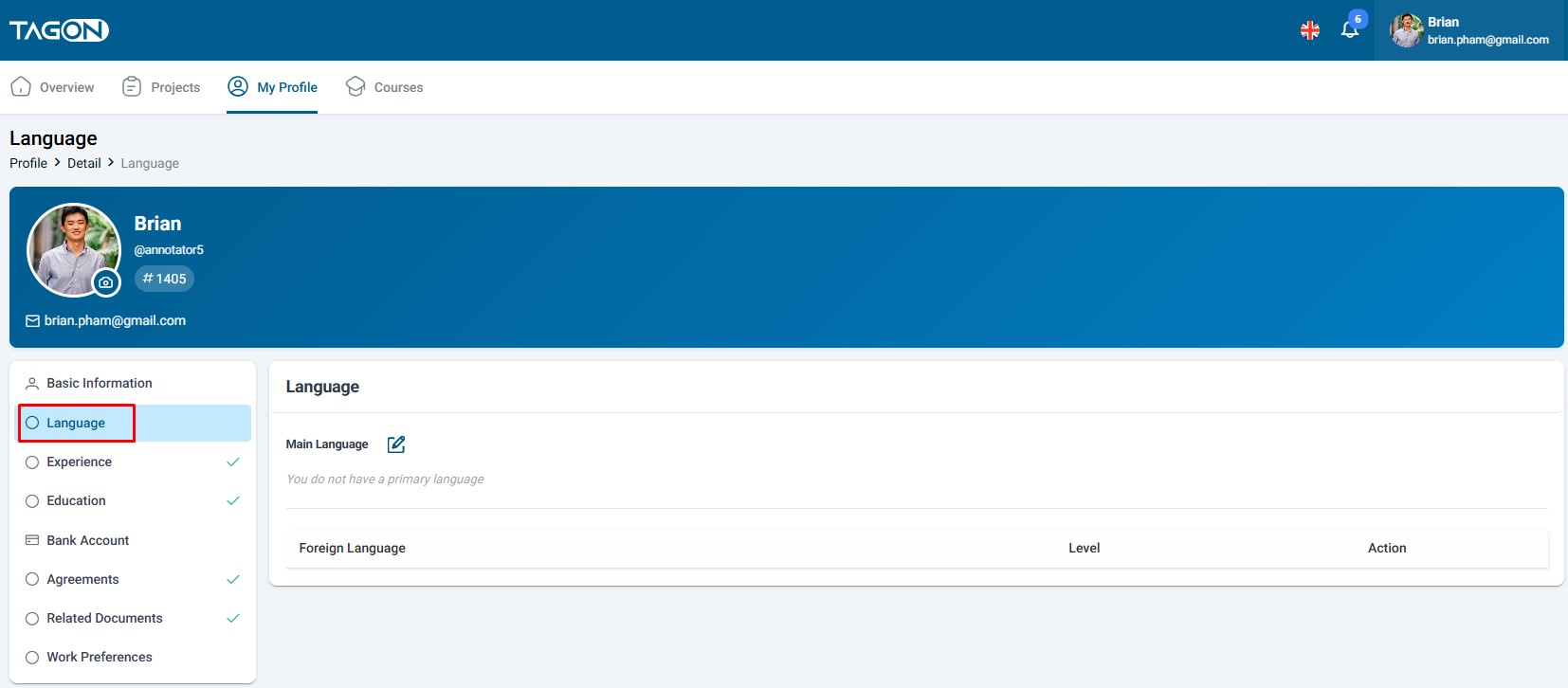
2.2. Language Preferences
Choose your preferred interface language: English or Vietnamese.
How to update:
- Go to Language section
- Select your primary language
- Click ✓ to save or X to cancel
2.3. Professional Experience
Enter the number of years you've worked in data labeling or related fields. More experience = higher priority for premium projects.
How to update:
- Go to Experience section
- Enter years of experience (e.g., 2.5)
- Click ✓ to save or X to cancel
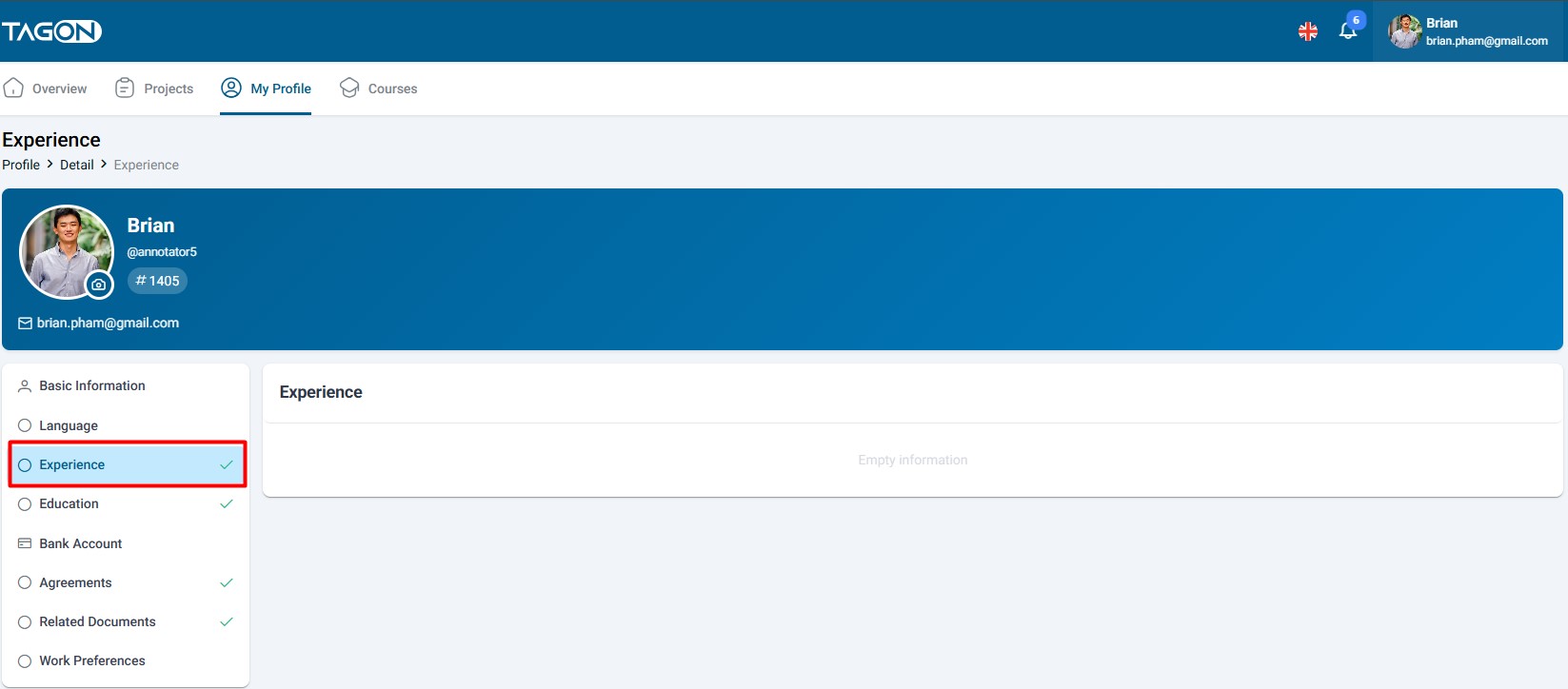
Include all relevant experience—even from different industries, as many skills are transferable.
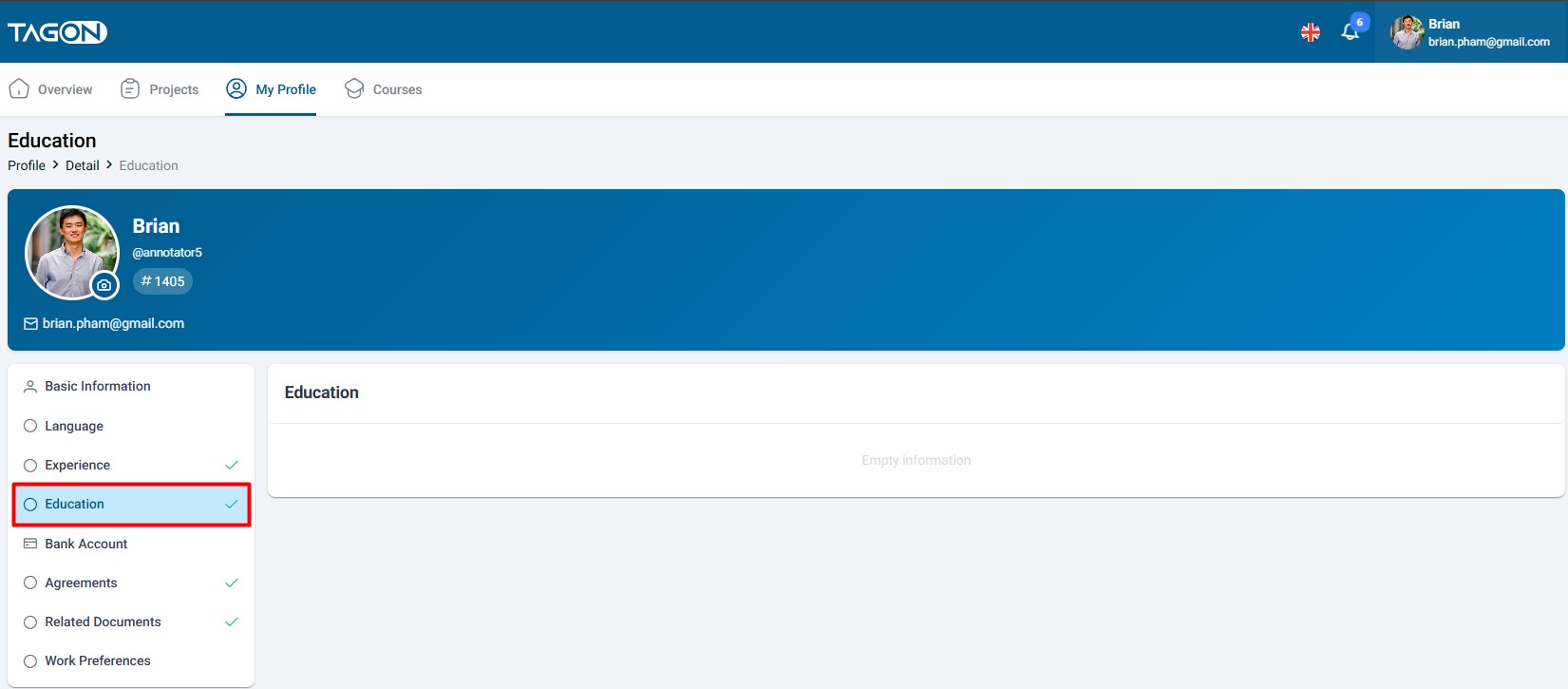
2.4. Education Level
Fill in your highest education level. Optional but strongly recommended—significantly increases chances of acceptance into top projects.
Available levels: High School, College, University (Bachelor's/Master's/PhD), Other
How to update:
- Go to Education section
- Select your highest completed level
- Click ✓ to save
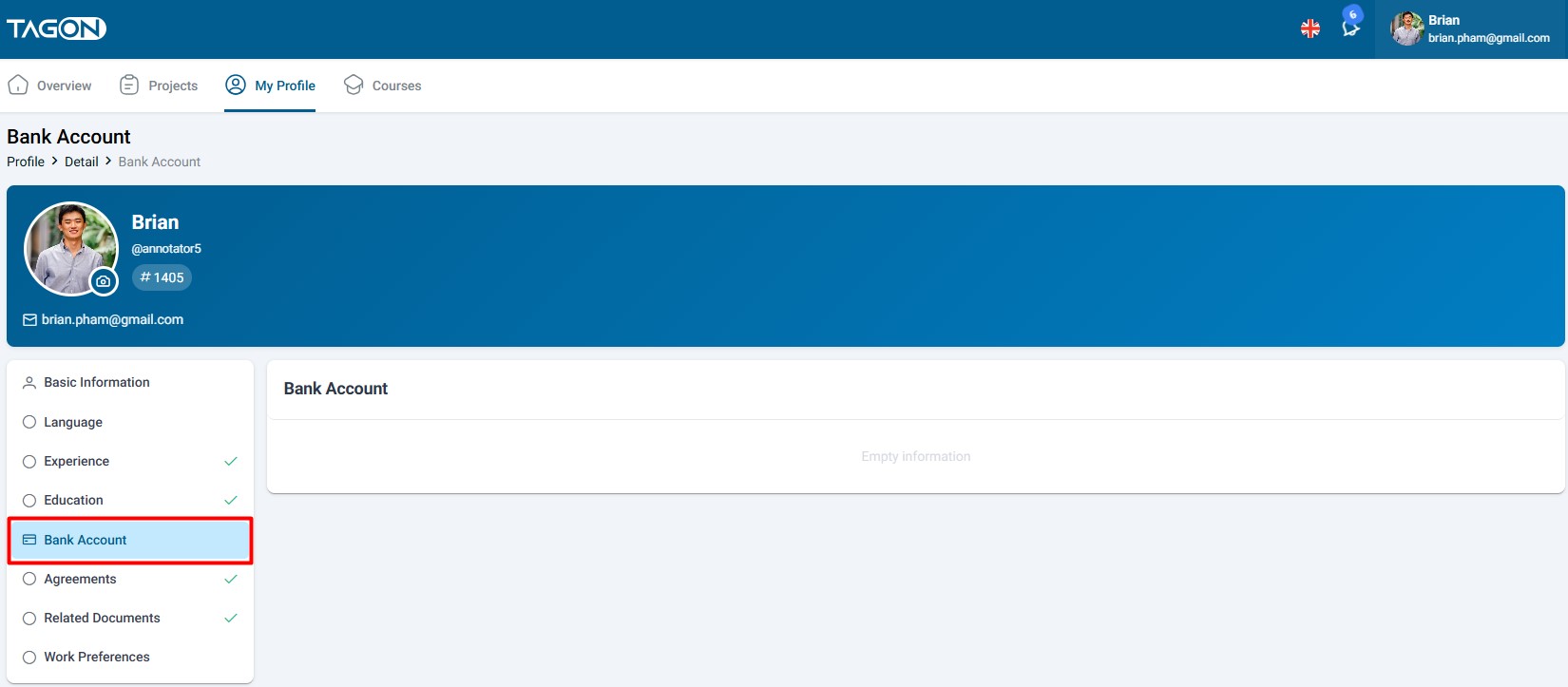
2.5. Banking Information ⚠️ CRITICAL FOR PAYMENTS
The most important section for receiving payments. Any errors will prevent successful withdrawals.
Requirements:
- Account holder name: Must match 100% exactly with your ID card name
- Bank name: Select from dropdown list
- Account number: Enter exactly—even one wrong digit causes payment rejection
How to update:
- Go to Banking Information section
- Enter account holder name (match ID exactly)
- Select your bank
- Enter account number (double-check carefully)
- Click ✓ to save
- Name mismatch = payment rejected
- Wrong account number = payment sent to wrong account
- Always verify information against your bank card or statement
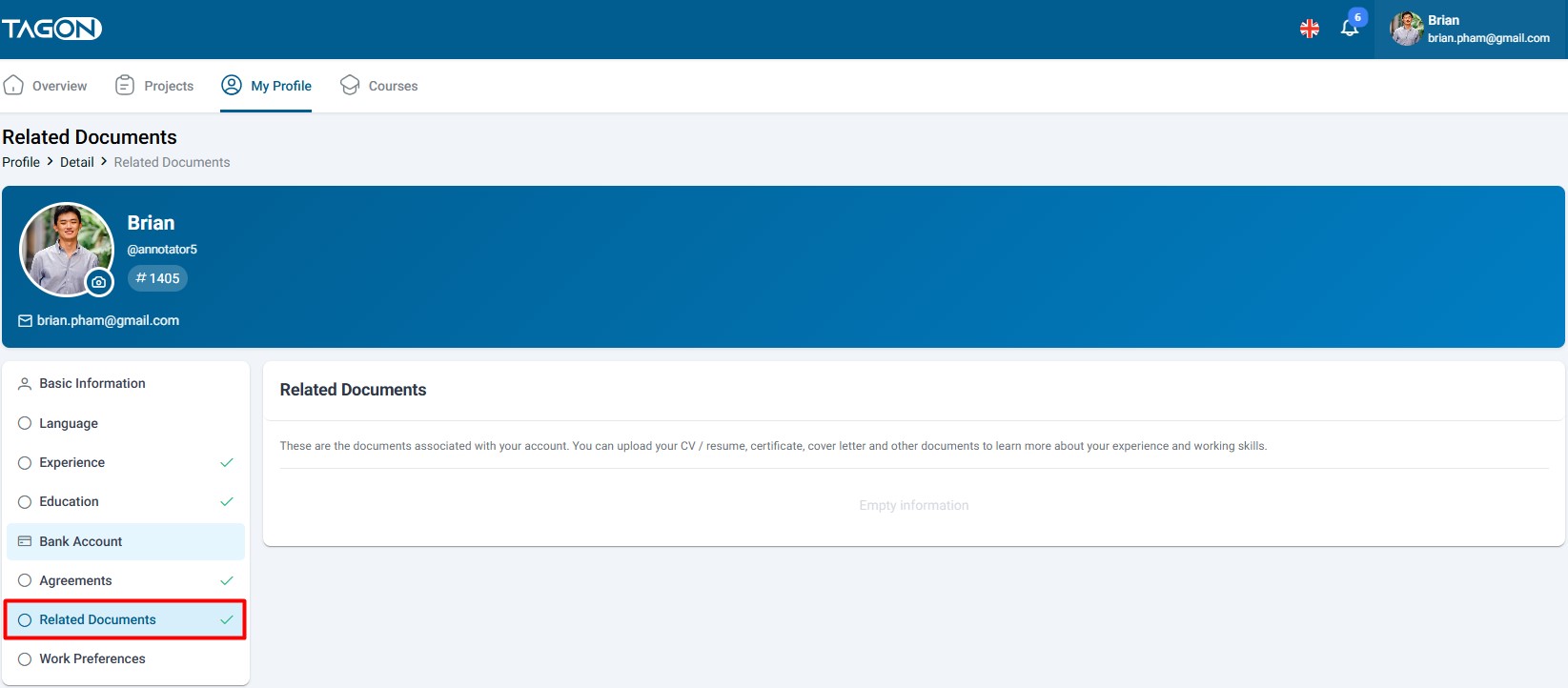
2.6. Related Documents ⚠️ REQUIRED FOR FIRST WITHDRAWAL
Upload both sides of your ID card/passport. Required before first withdrawal.
Document Requirements:
- Format: JPG or PNG only
- Size: Under 5 MB per file
- Quality: Sharp, clear, no blur
- Completeness: Full document visible, all corners shown
- No editing: Original photos only (no filters or adjustments)
How to upload:
- Go to Related Documents section
- Click Upload for front side → select file
- Click Upload for back side → select file
- Verify both photos meet requirements
- Click Save
Processing: Usually instant or within a few minutes. You'll receive notification when approved or if corrections are needed.
- Blurry photos
- Cropped documents
- Poor lighting
- Expired documents
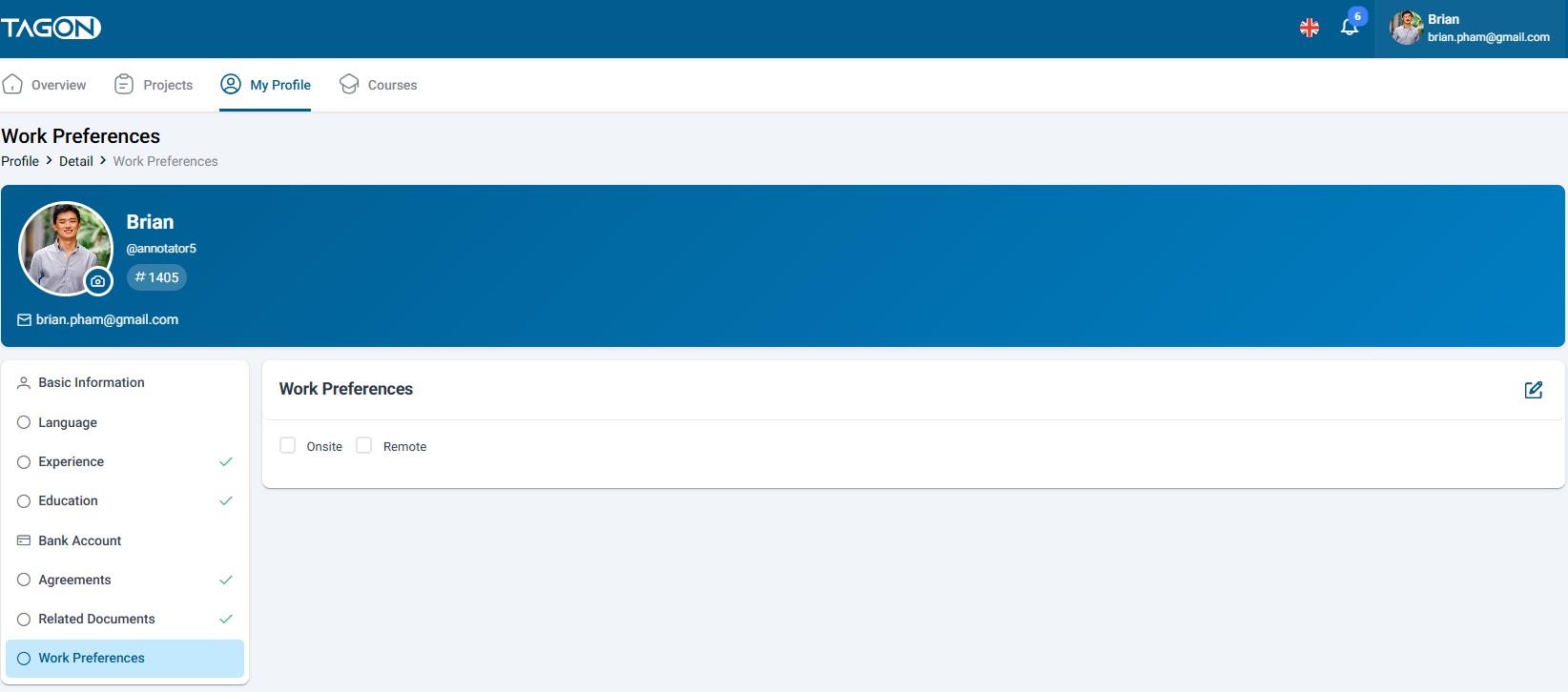
2.7. Working Method Preferences
Select task types you want to receive. System prioritizes matching projects.
Available types: Image Labeling, Video Tracking, 3D Point Cloud, Text Annotation, Semantic Segmentation, etc.
How to update:
- Go to Working Method section
- Select your preferred task types (multiple selections allowed)
- Consider your skills and interests when selecting
Be honest about your capabilities. It's better to do fewer types well than many poorly.
3. First Withdrawal Setup (One-Time Process)
Complete these steps once to enable withdrawals forever:
-
Upload Related Documents
- Front and back of ID card/passport
- Wait for approval (usually instant)
-
Add Banking Information
- Account name must match ID exactly
- Enter correct bank and account number
- Verify carefully before saving
-
Sign Agreements
- Review all documents in Agreements section
- Check required boxes and provide signature
- Save each agreement
-
Wait for Verification
- Documents: Usually instant or within minutes
- Banking: May take up to 24 hours
- You'll receive notifications when approved
-
Done! You can withdraw when balance reaches $10 minimum.
Complete this setup immediately after registration—don't wait until you need to withdraw!
4. Pro Tips for Optimal Profile
- Profile Photo: Use a real, clear photo—boosts trust with requesters
- Referral Code: Share your code (e.g., #1405) to earn commission when others work
- Complete Sections: Fill Experience + Education to unlock higher-paying projects
- Monthly Check: Review Bank Account & Documents monthly to prevent expiration
- Agreements: Re-sign immediately when notified of updates
- Status Goal: Keep all sections in "green" status for maximum opportunities
5. Pre-Withdrawal Checklist
Before your first withdrawal, verify:
Mandatory:
- Both sides of ID uploaded and approved
- Banking information added and verified (name matches ID exactly)
- All agreements signed
Recommended:
- Experience information completed
- Education information completed
- Working method preferences set
Verify:
- Profile photo uploaded
- All information accurate and current
- Minimum balance reached ($10)
Complete these steps once → enjoy unlimited tasks and fast withdrawals!
6. Troubleshooting
Documents Rejected
- Problem: Photos blurry, cropped, or poor quality
- Solution: Take new photos with good lighting, ensure full document visible, re-upload
Banking Not Verified
- Problem: Name doesn't match ID or incorrect account number
- Solution: Verify name matches ID exactly (character by character), double-check account number against bank statement
Can't Save Changes
- Problem: Internet issues or missing required fields
- Solution: Check connection, verify all fields completed, try different browser, clear cache
Need Help?
- Contact TagOn support through in-platform help feature
- Check documentation and community forums
- Reach out if issues persist after trying solutions
7. Security Reminders
- Use a strong, unique password
- Never share login credentials
- Only update profile through official TagOn platform
- Never share banking or document details publicly (only share referral code)
- Log out when using shared computers
- Contact support immediately if you suspect unauthorized access
Wishing you a perfect profile, tons of great tasks, and money flowing in regularly!