Enabling project evaluation function
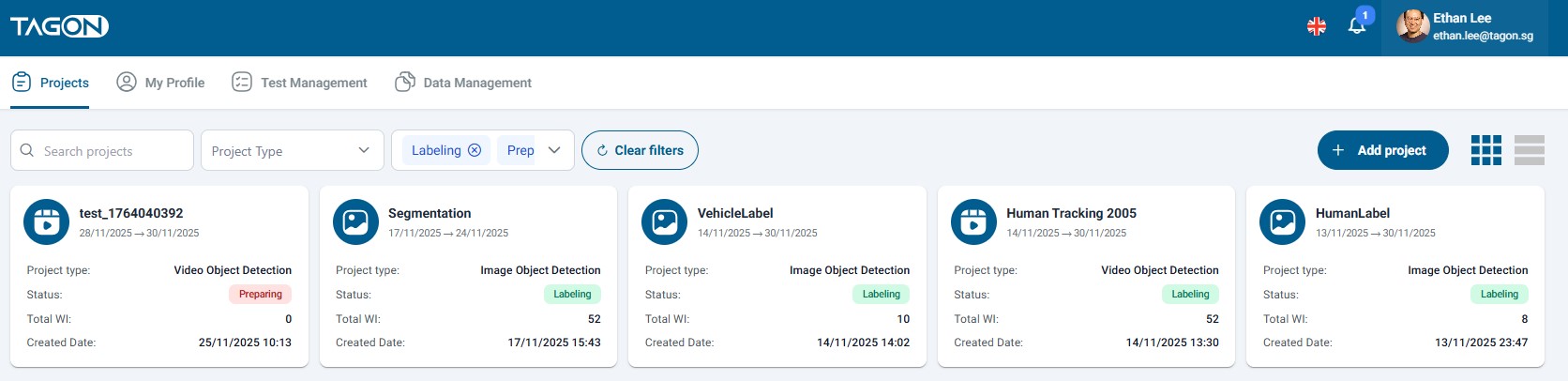
To activate the project evaluation feature, log into your Requestor account and navigate to the Project screen, then select the project you wish to evaluate. The project you want to evaluate must have all sentences completed by the Annotator.
Next, click on Personnel, then click on Reviewers to check if an Annotator has been selected as the reviewer for the project.
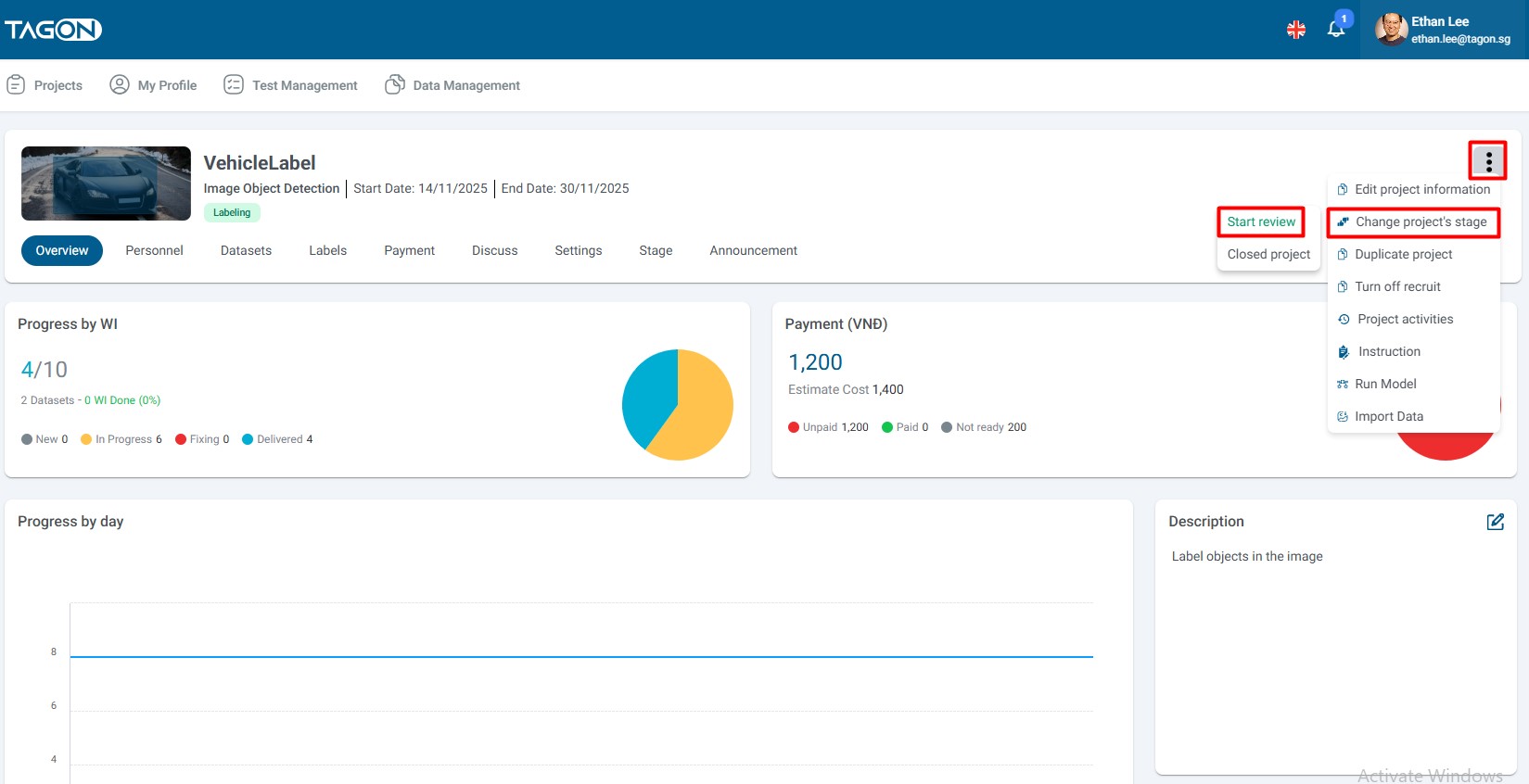
To enable project evaluation, click on the three-dot icon, then click on Change project Status and Enable Evaluation.
After successfully enabling evaluation, a popup will appear stating Success - The project has been transitioned to the evaluation stage successfully.
If you wish to deactivate evaluation, click on Disable Evaluation and a popup will display Success - The project has completed the evaluation stage.