Publish Project
To make a project publicly available, it needs to have complete data and labels so that it can be published for Annotators to apply.
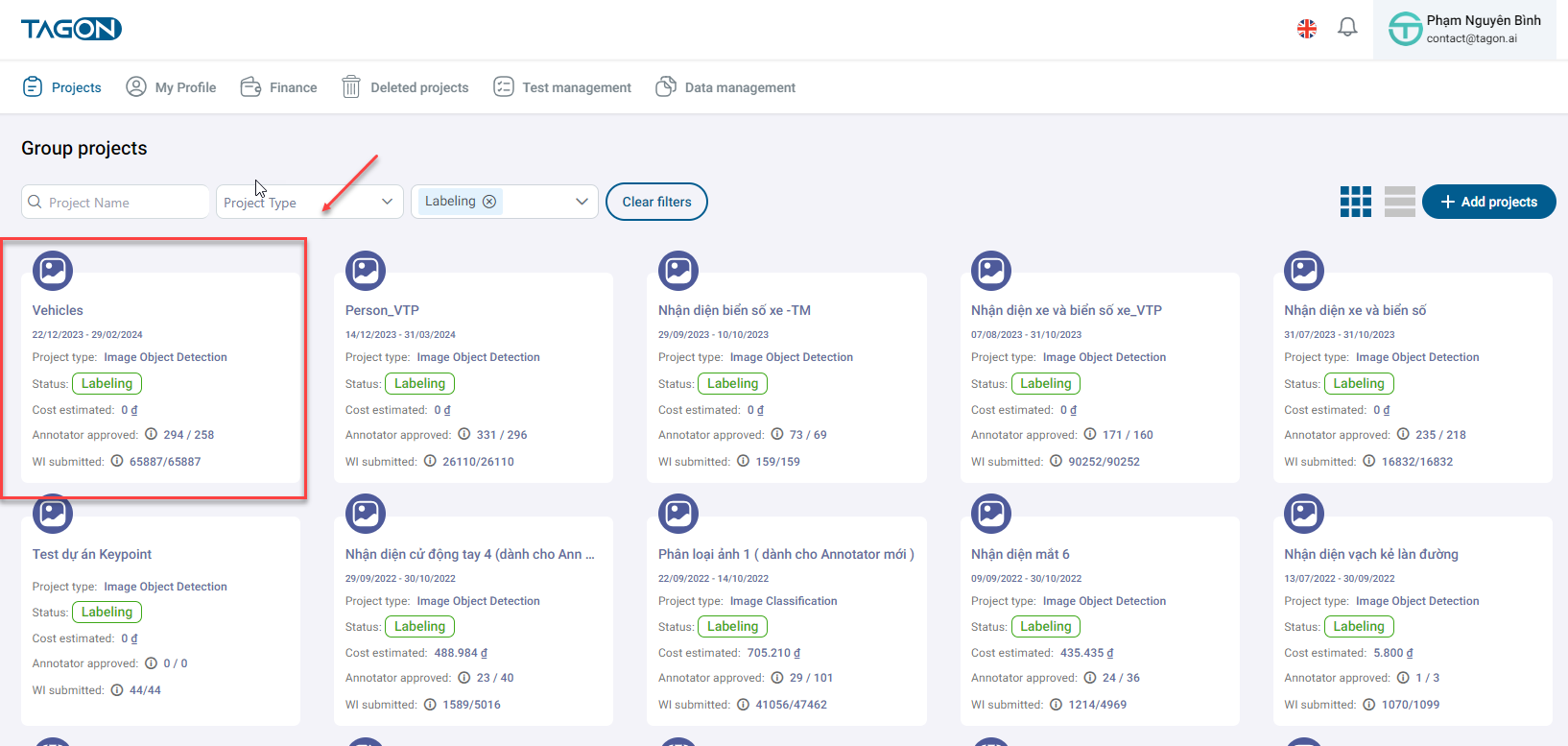
To publish a project, you need to go to the Project List screen and click on the project you want to publish.
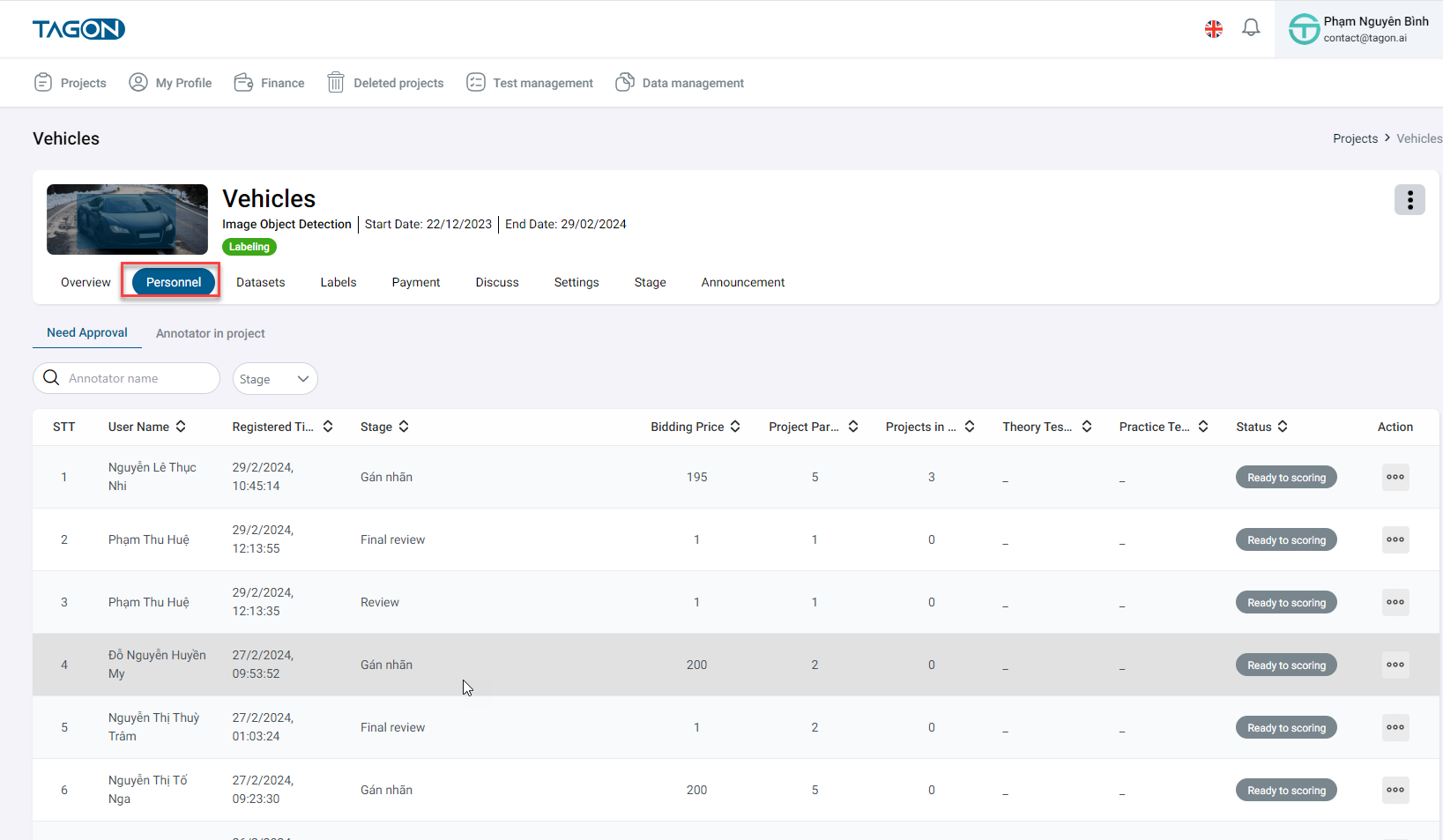
In the overview screen, click on Personnel to view information about the project's staff.
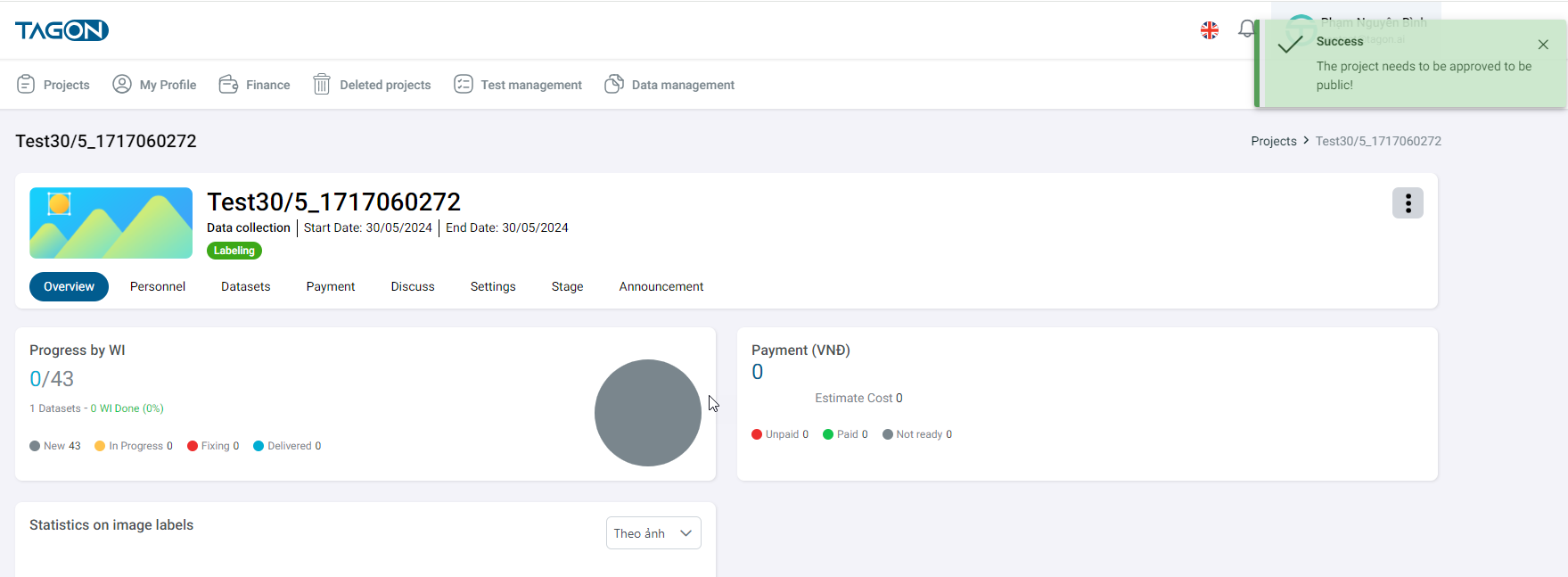
Successful Publication
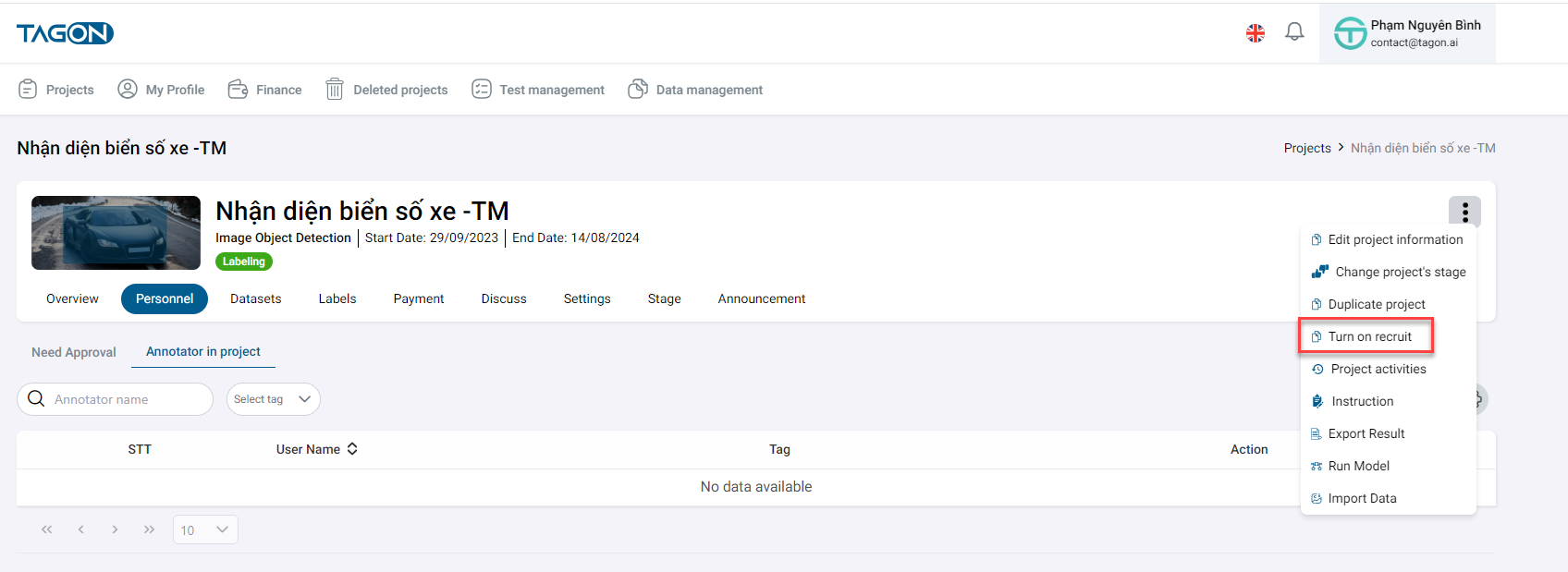
To publish the project, you need to click on the Recruit Annotators button.
A message will then appear indicating Success - Project Successfully Published.