Exporting Label Data
To export label data, please log in to your Requestor account and select the project you want to export label data from. Click on that project.
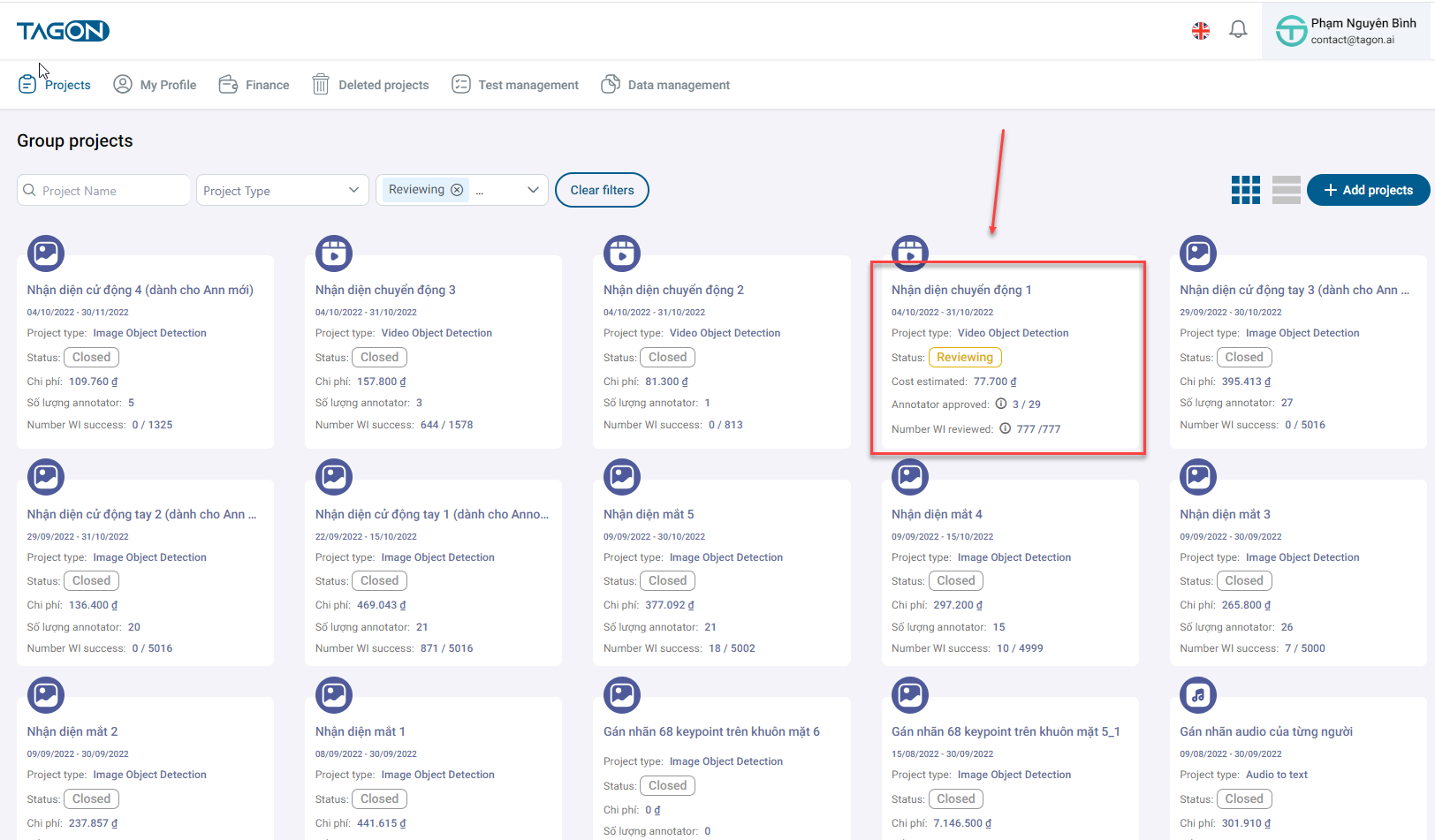
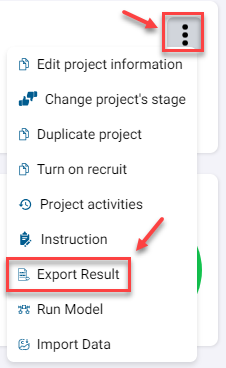
In the overview screen, click on the three dots icon, then select Export Label Data.
Next, the Export Label Data screen will appear, where you can choose the desired format. The system supports the following formats:
- COCO v1
- YOLO v4
- Supervisely
- Supervisely with images
- CVAT
- INFINIQ_POLYLINE
- INFINIQ_POLYGON
- COCO_INFINIQ_POLYLINE
Once the export is complete, there will be a file available in the selected format for you to download.