Managing Annotator List Functionality in Progress
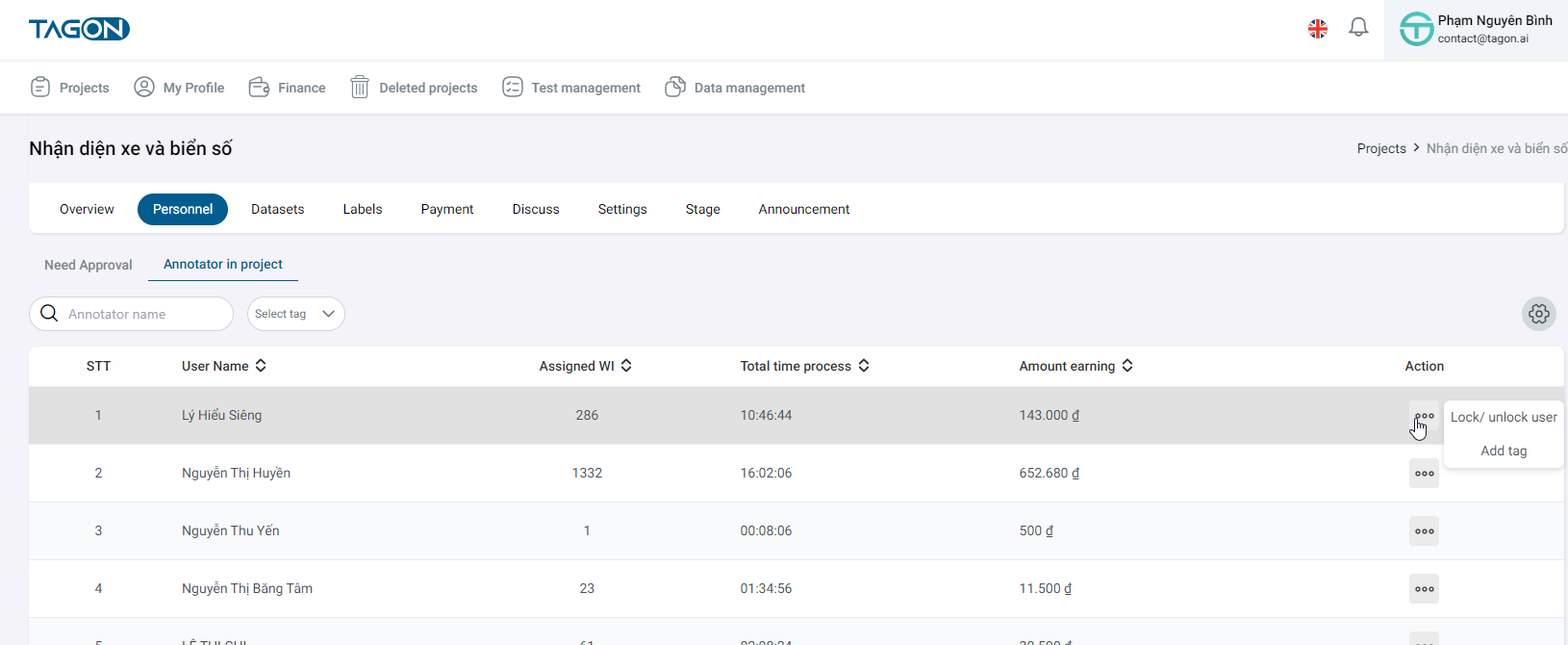
On the Project List screen -> Click on Project Details -> Display the Overview screen -> Click on Personnel -> Click on Annotators in the Project -> Display the screen showing the list of Annotators currently working on the project
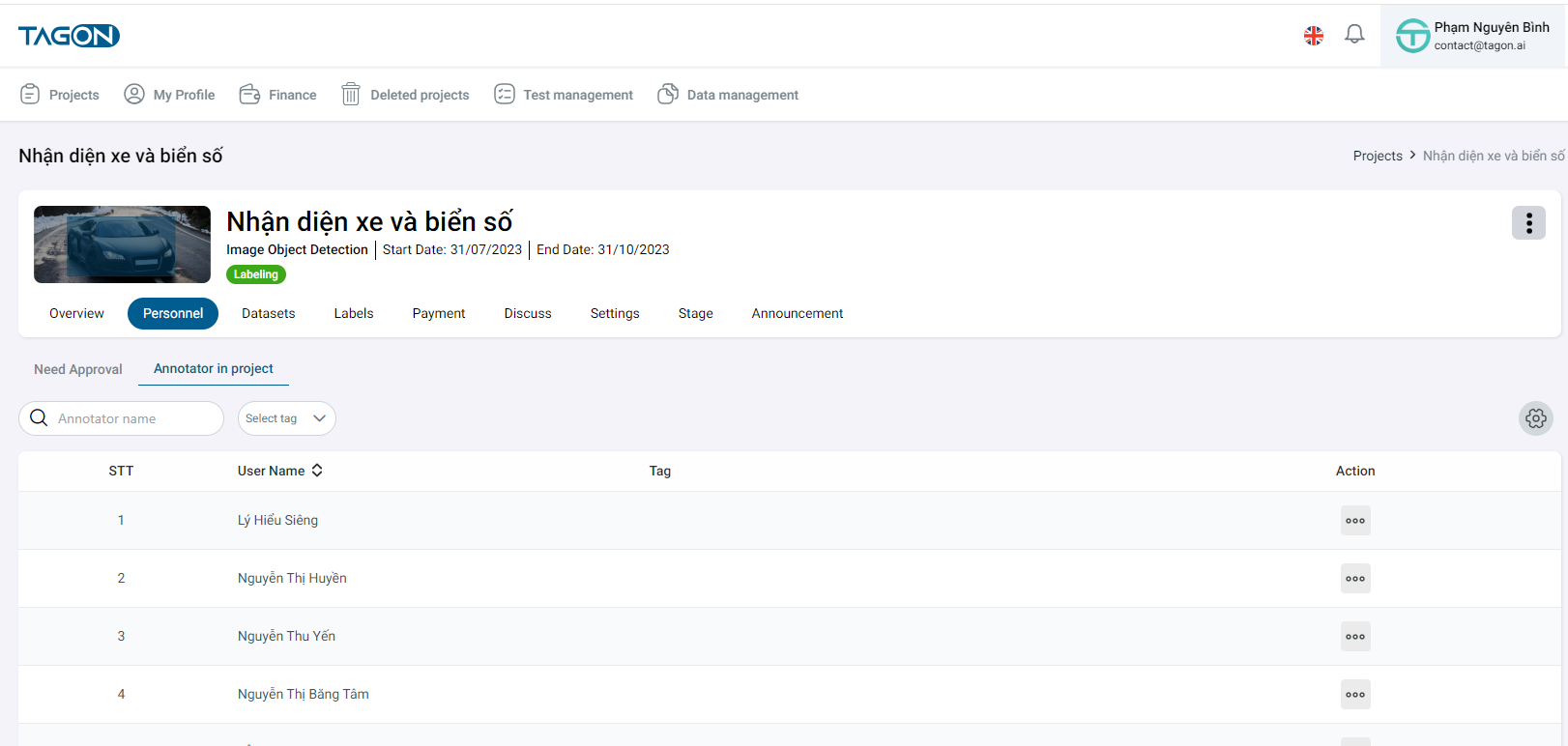
Annotators Information in the Project
info
When an Annotator is approved for the project -> Display the list of Annotator information currently working on the project on the Annotators in the Project screen
On the Annotators in the Project tab -> You can view the list of Annotator information in the project including the following details:
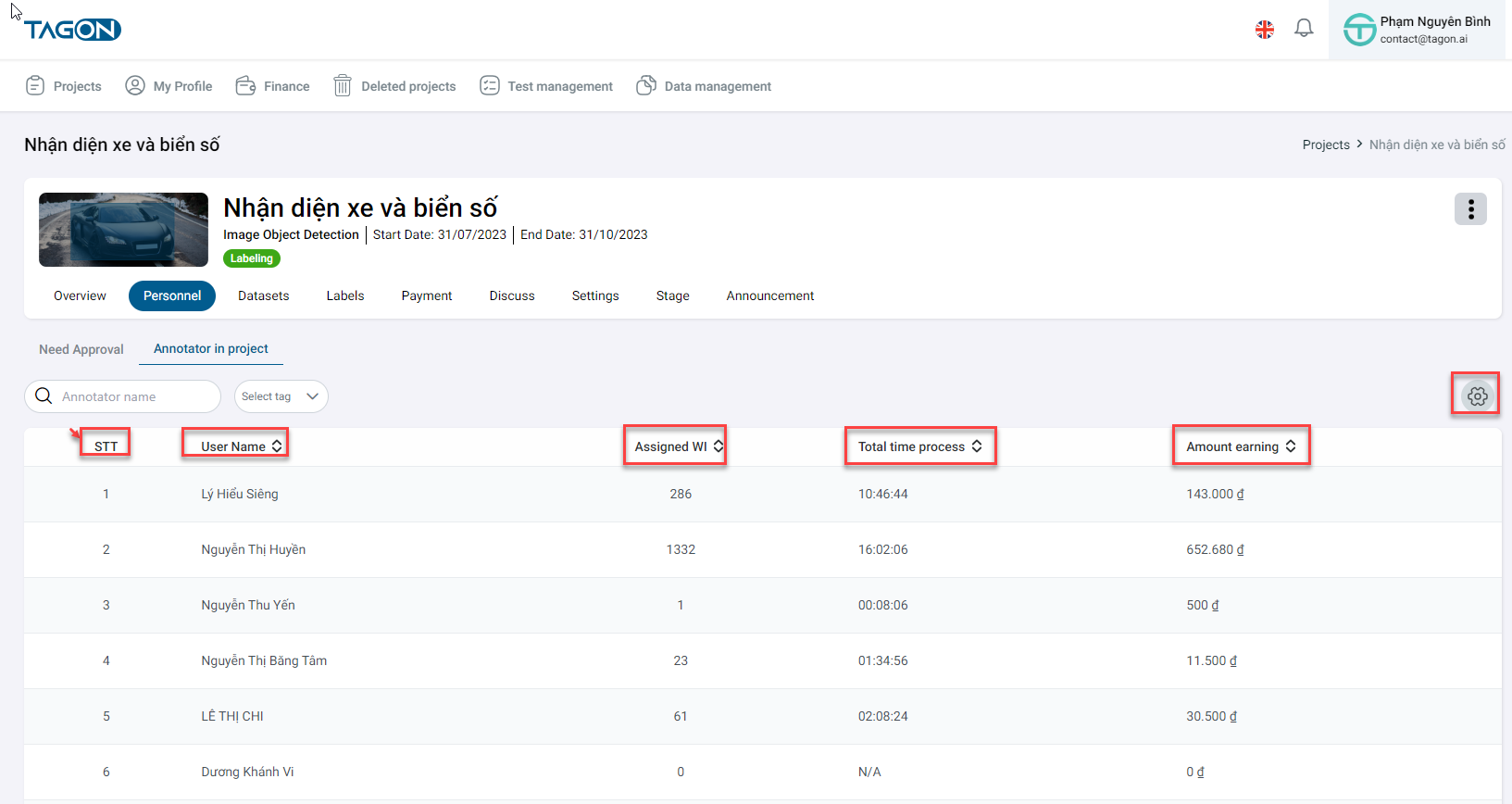
- Order [1]
- Full name [2]: Username
- Registration fee (đ) [3]: Annotator's fee for registering in the project
- WI assigned [4]: Number of sentences assigned by that Annotator
- Approval % [5]: Sentences approved / Sentences assigned
- Total amount (đ) [6]: Equal to Sentences approved x Annotator's registration fee in the project
- Average labeling time [7]: Average labeling time per batch
- % Review Passed [8]: Sentences passed review / Sentences reviewed
- % Redo [9]: Sentences redone / Sentences needing redo
- Actions [10] include:
- Check the Annotator's test
- Move all incomplete sentences of the Annotator back to the pool
- Unlock the account, Annotator can receive WI