Account Registration
To register and use the TagOn system, you need to access the following link:
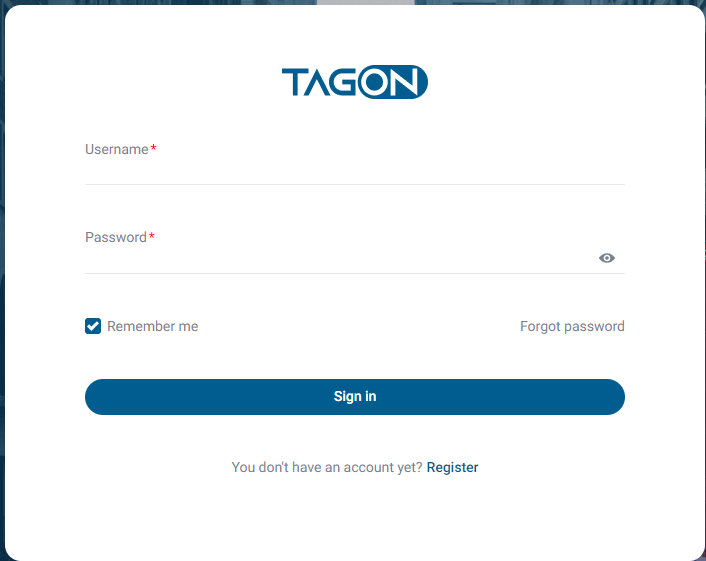
The system will display the Login screen, and you should click on Register to access the Create TagOn Account screen.
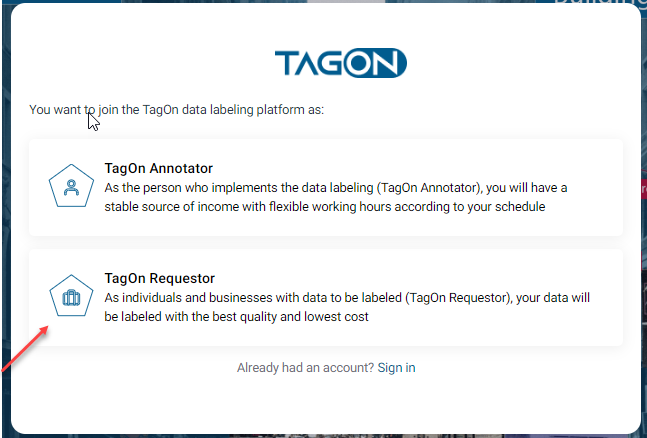
On the Create TagOn Account screen, click on the role you want to join, TagOn Requestor, to display the Create TagOn Requestor Account screen.
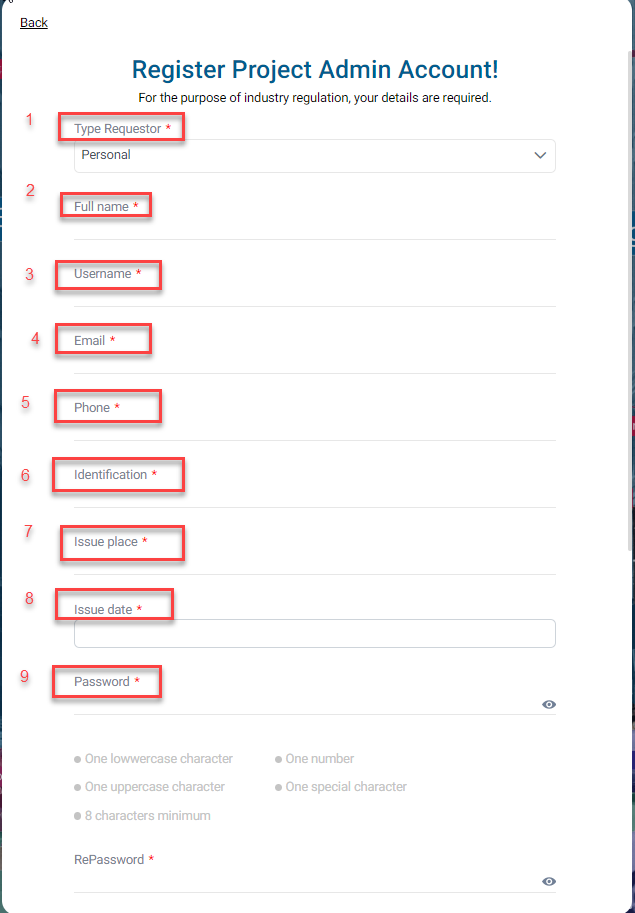
On the Create TagOn Requestor Account screen, you need to enter all necessary information as required by the system.
| No. | Field Name | Description |
|---|---|---|
| 1 | Requestor Type | Select the Requestor type to create a project |
| 2 | Full Name | Name of the registering Requestor |
| 3 | Username | |
| 4 | Email must be in the correct format for the system | |
| 5 | Phone Number | |
| 6 | ID Card/Identification Number | |
| 7 | Password | |
| 8 | Confirm Password | Confirm the password |
| 9 | I'm not a Robot | Check the box to perform the action |
| 10 | Service Agreement | Read and agree to service terms |
| 11 | Register | Click Register after completing all the steps above |
Carefully read the Terms of Use and check the I’m not a Robot box if you agree.
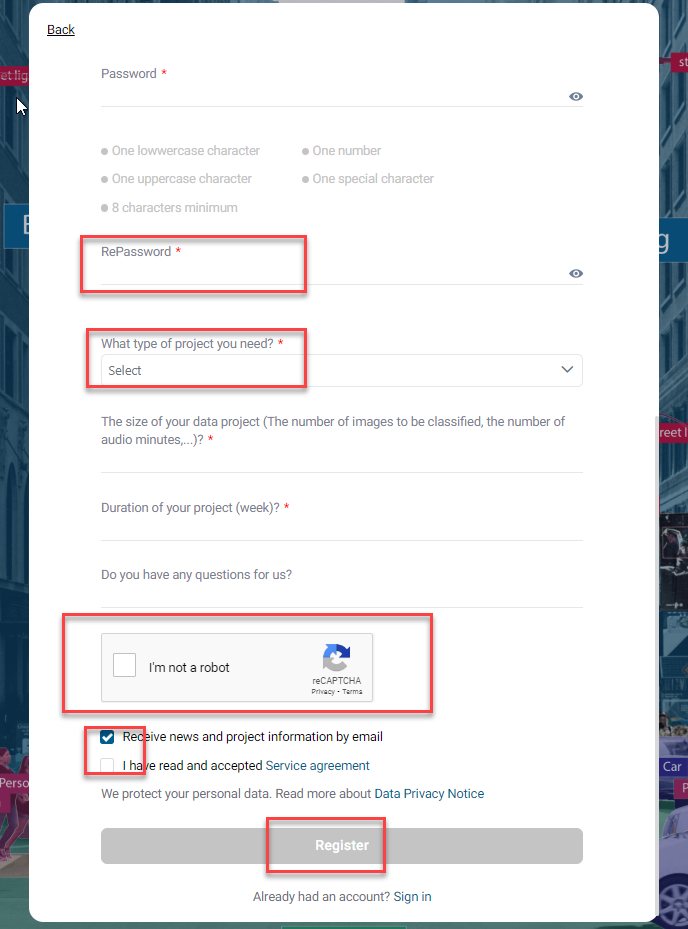
After that, click Register.
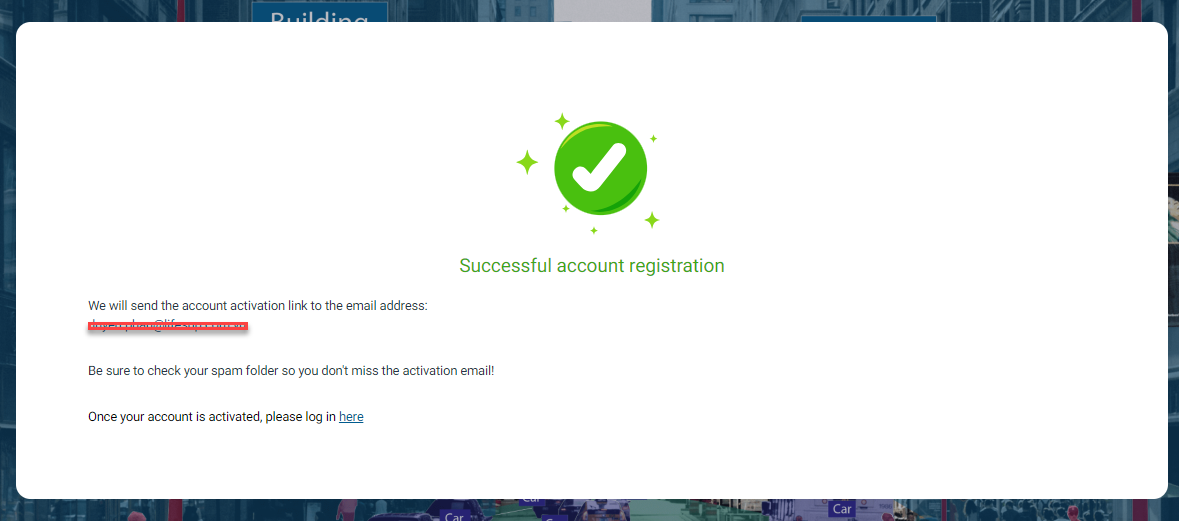
Once completed, the system will approve the registration. Then, log in to the system with the registered information.